For Apple TV · tvOS 17+

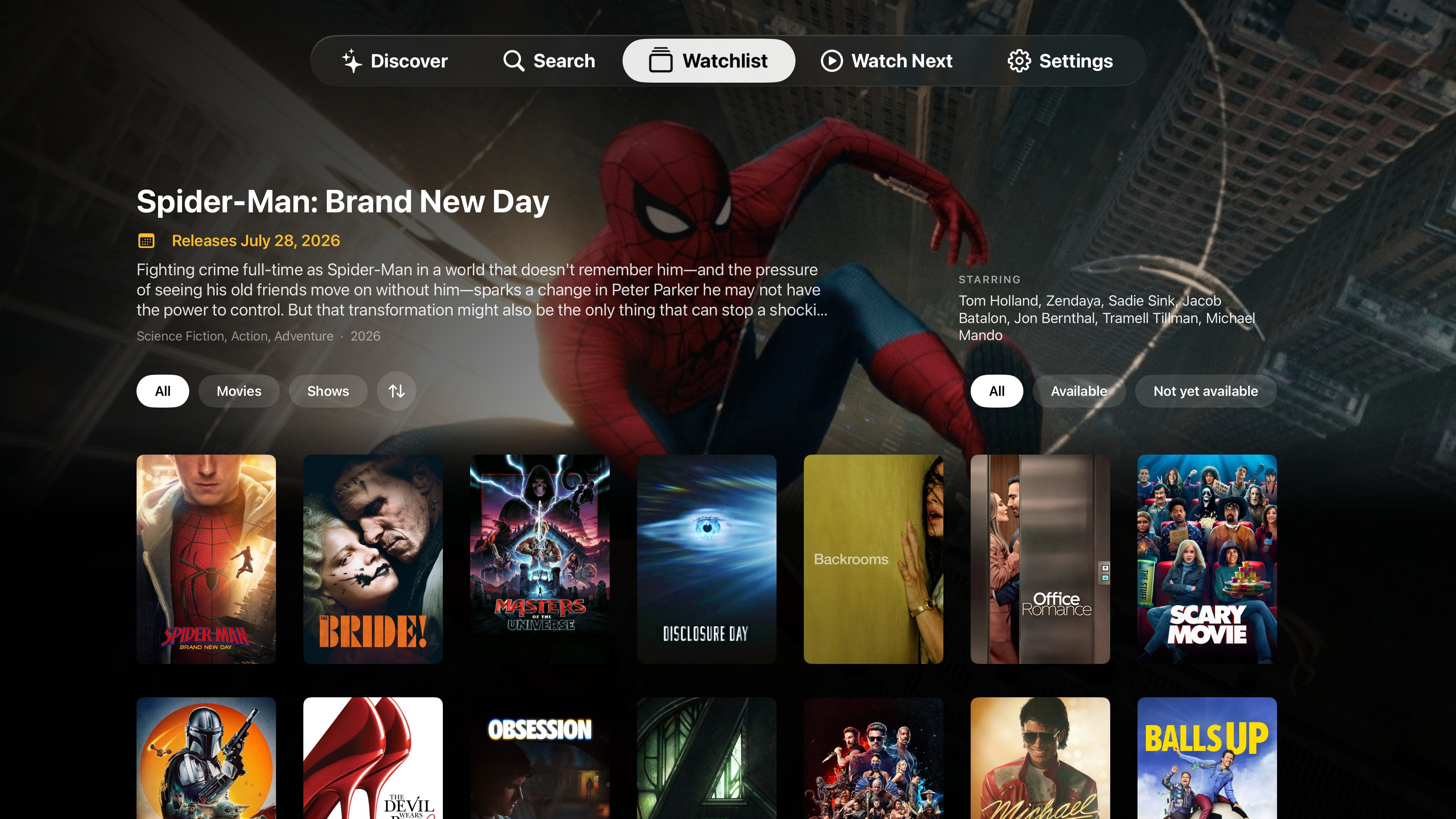
The watchlist that actually knows what you're watching, where to watch it, and what to play next.
Apple TV · Requires tvOS 17 or later
Apple TV · Requires tvOS 17 or later
Stop juggling six apps to remember where you left off. WatchQueue keeps the thread for every show and movie you care about.
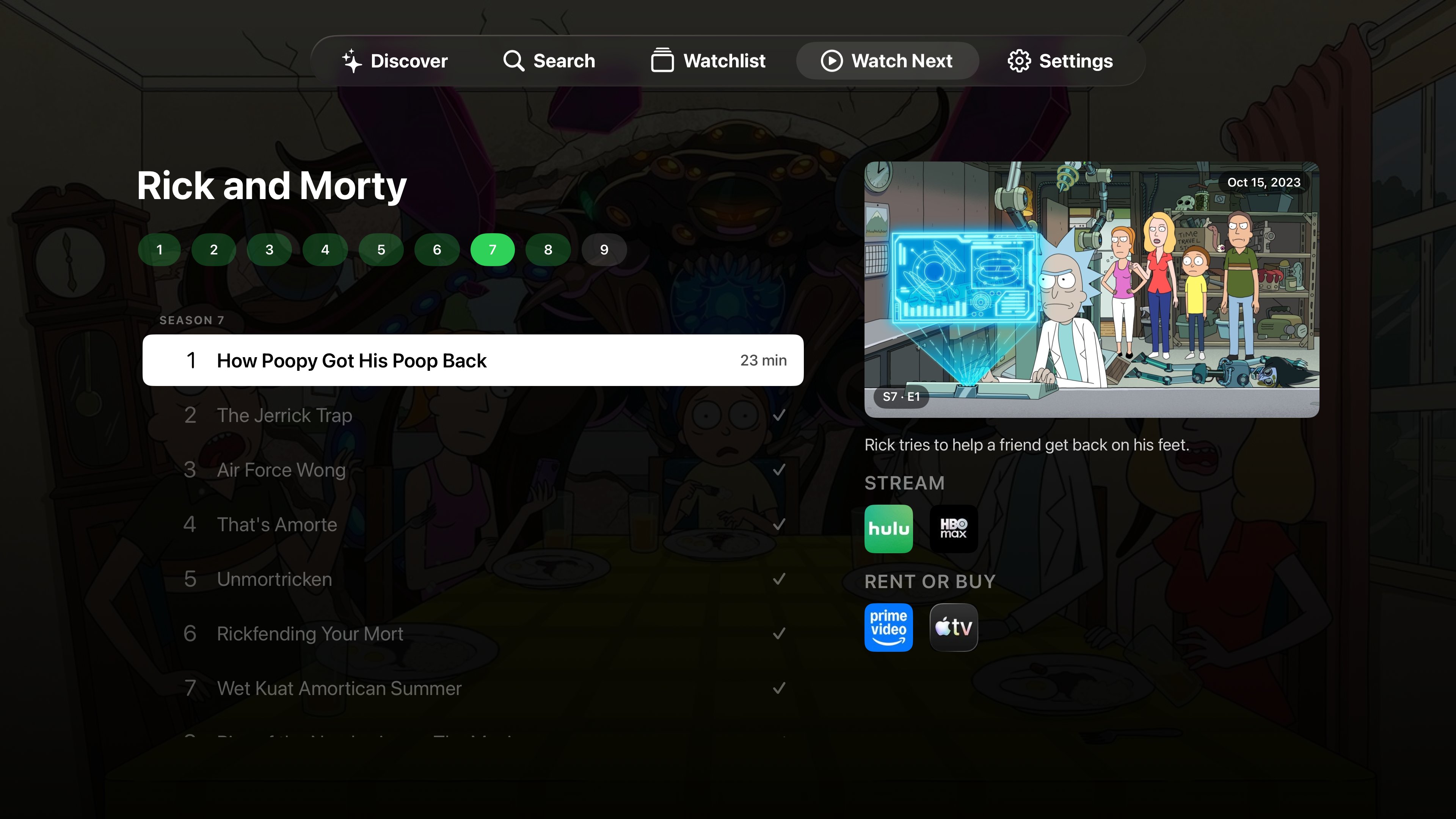
WatchQueue tracks you down to the episode. Open any series and the next unwatched episode is already cued up — with a synopsis, runtime, and a one-tap jump straight into the app that's streaming it. No more scrolling season lists trying to remember where you stopped.
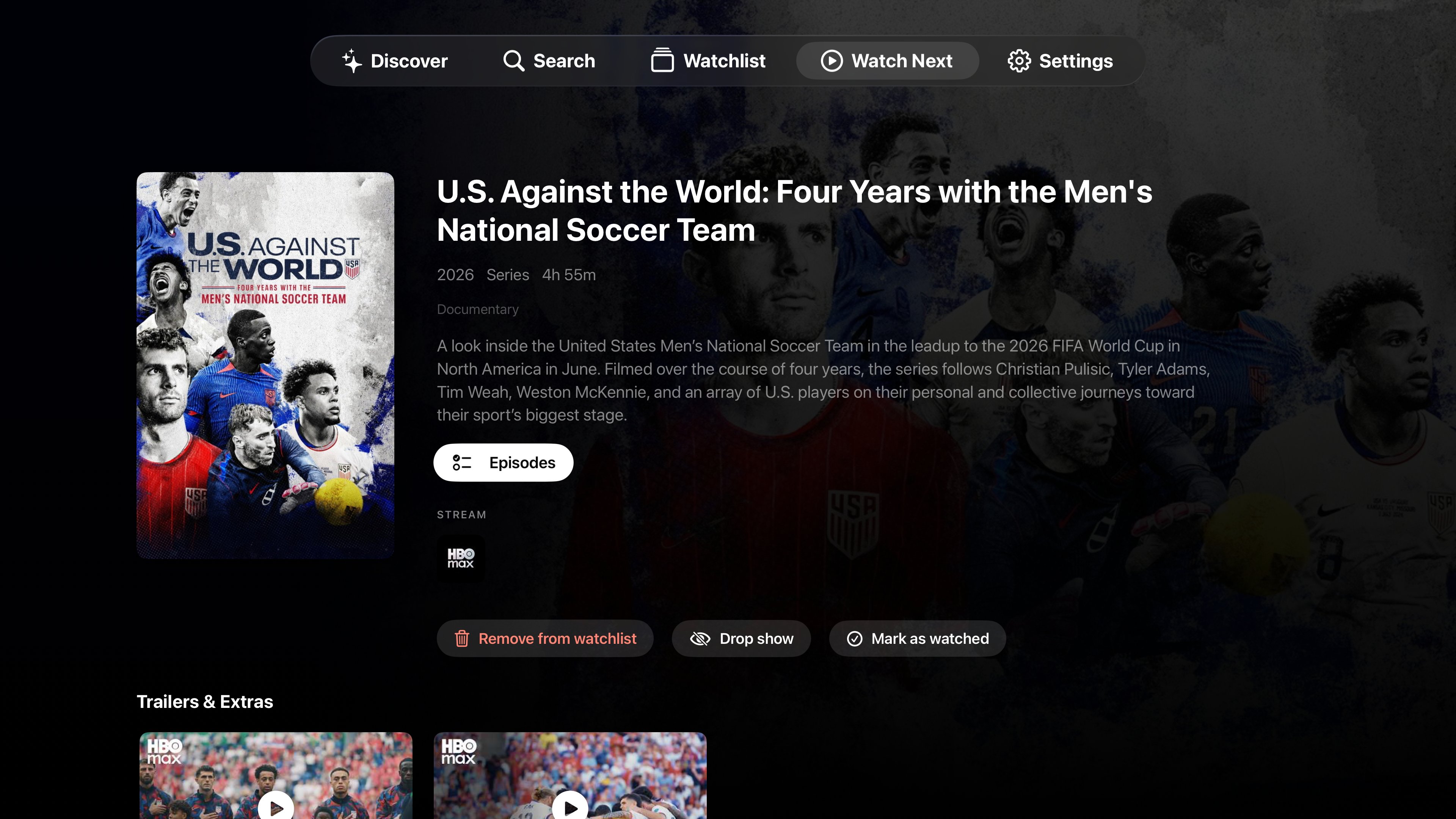
Every title shows exactly which apps carry it, split into Stream and Rent or Buy. The services you already pay for surface first, so you stop renting something you could've streamed for free. Tap a provider and WatchQueue launches you right into it.
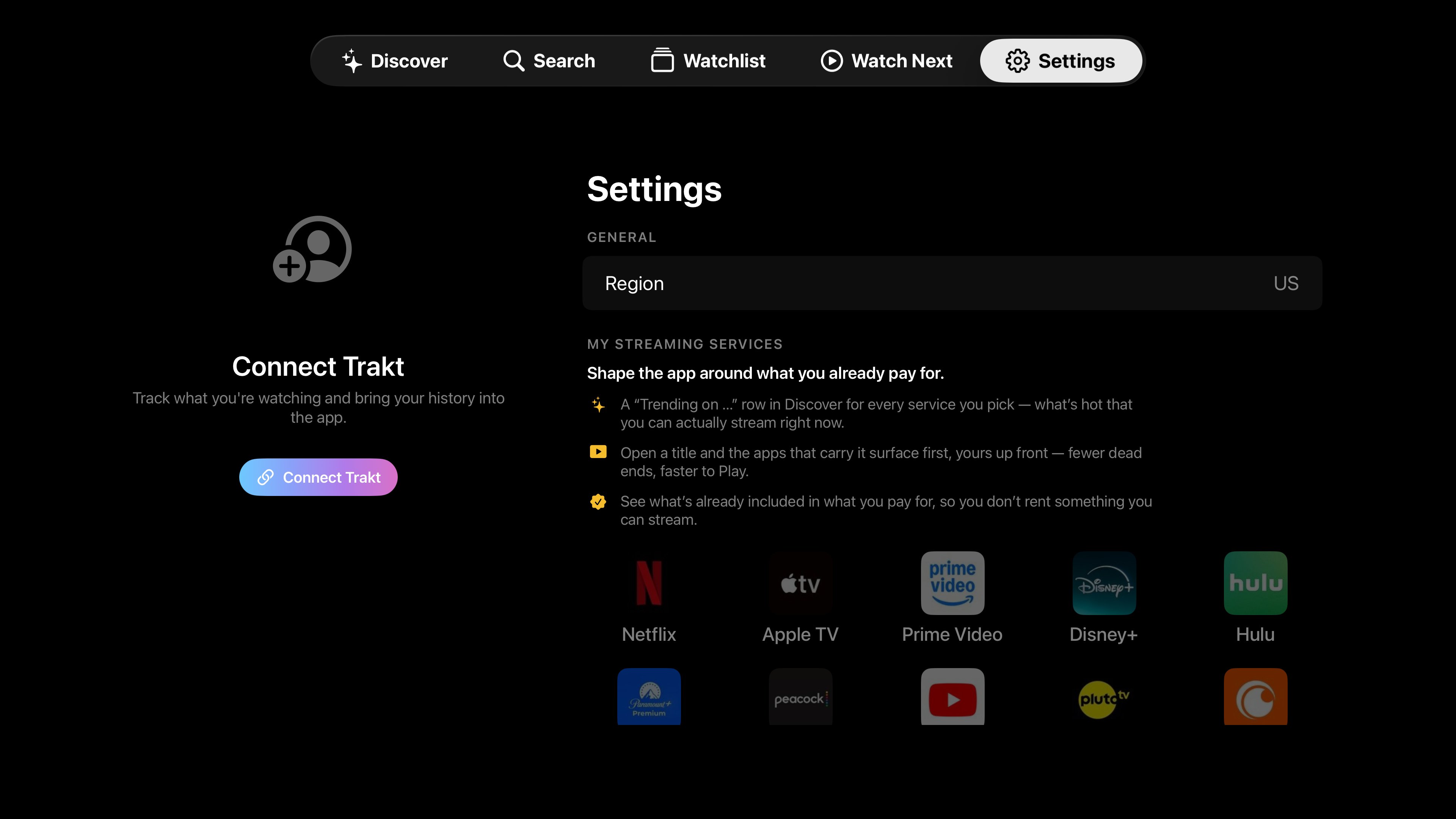
Pick your streaming services once and the whole app reshapes around them: a "Trending on…" row in Discover for each service, your apps surfaced first on every title, and a clear picture of what's already included in your subscriptions before you spend a cent on a rental.
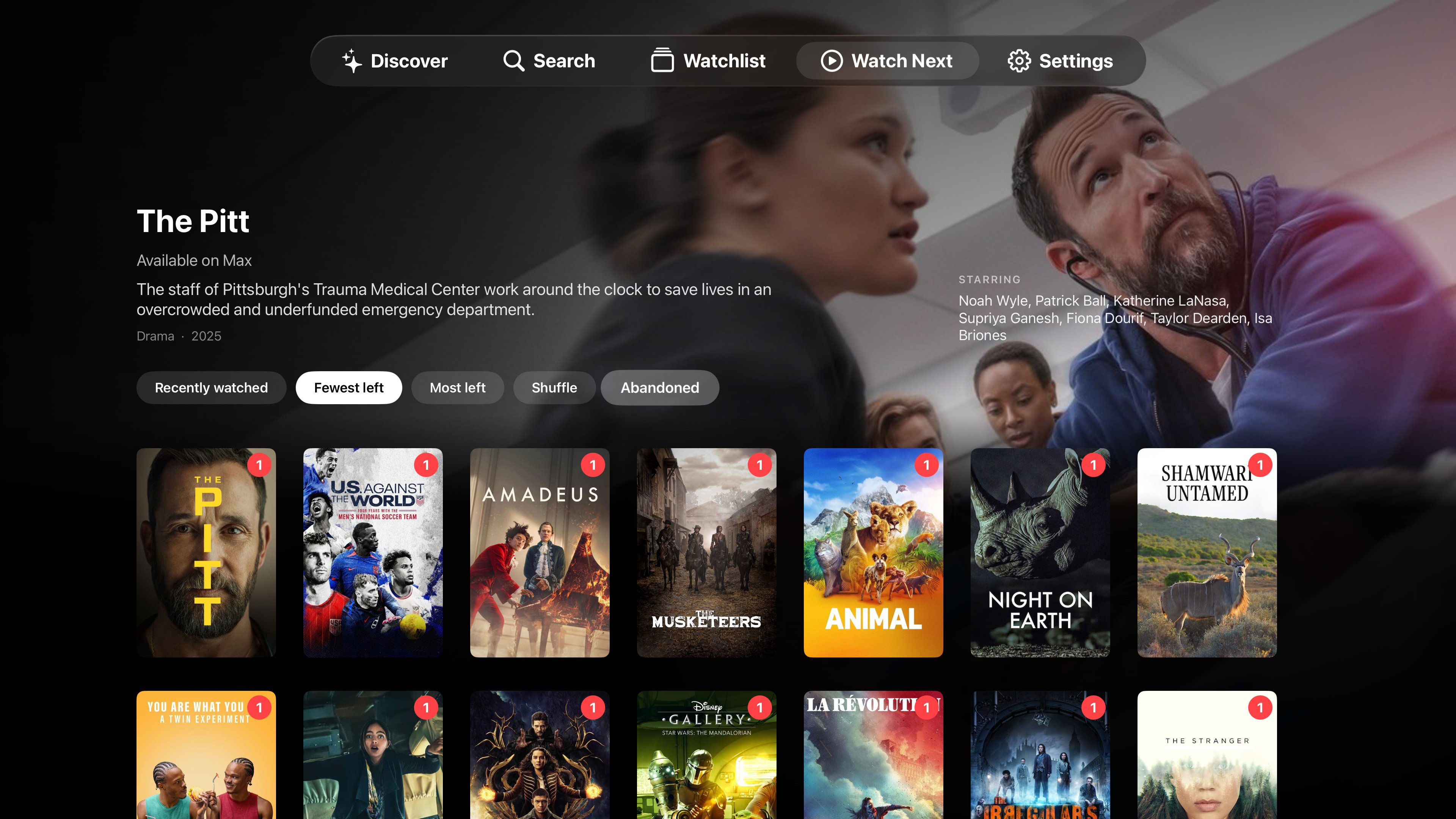
Not sure what to put on? Sort your in-progress shows by Recently watched, Fewest left, Most left, or just hit Shuffle. Picked something up months ago and never finished? The Abandoned filter rounds them all up so you can finish or let them go.
No subscription, no friction. WatchQueue works the moment you open it.
WatchQueue is great on its own — and even better when you plug in the services you already use. Both are completely optional.
Sign in with Trakt to pull in everything you've already watched and keep your progress in sync. WatchQueue picks up right where your history leaves off, across every device.
Point WatchQueue at your own Plex server and it marks what you already own right on the posters as you browse — then opens any title or episode in Plex or Infuse the moment you find it.
Available for Apple TV. Requires tvOS 17 or later.